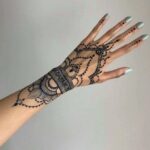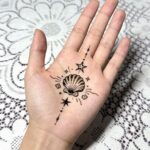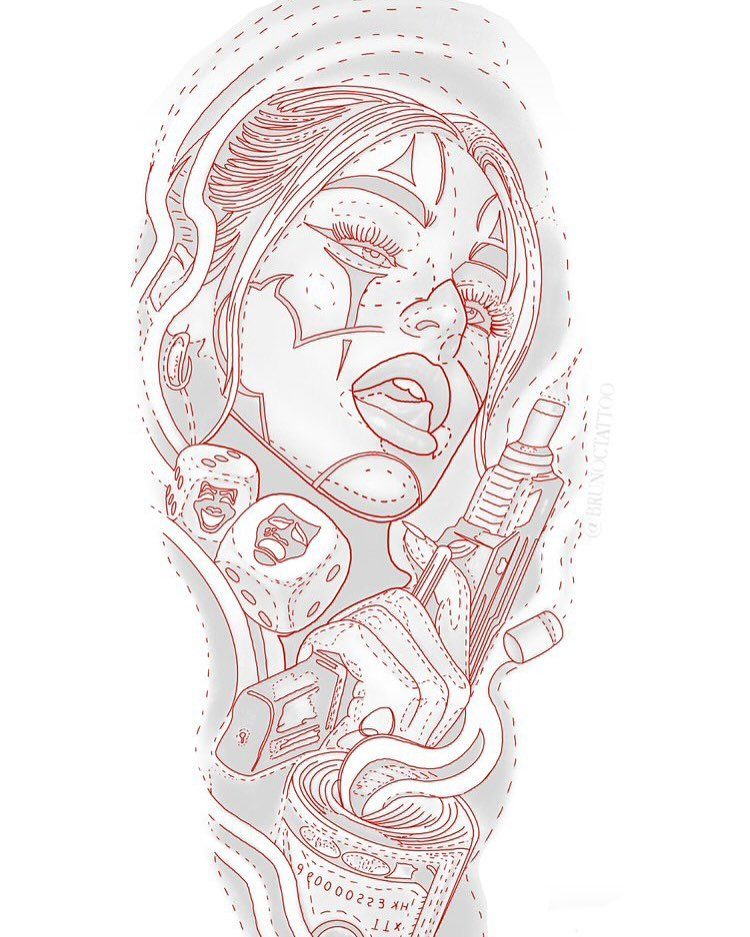
AI generators handle the styles below, plus answer common questions on licensing and safe use once the design is ready.
The ideas below range from small single-session pieces like fine-line minimalism to large multi-session projects like a full floral sleeve, so pick based on how much coverage and chair time you want.
1. Minimalist Tattoo Style
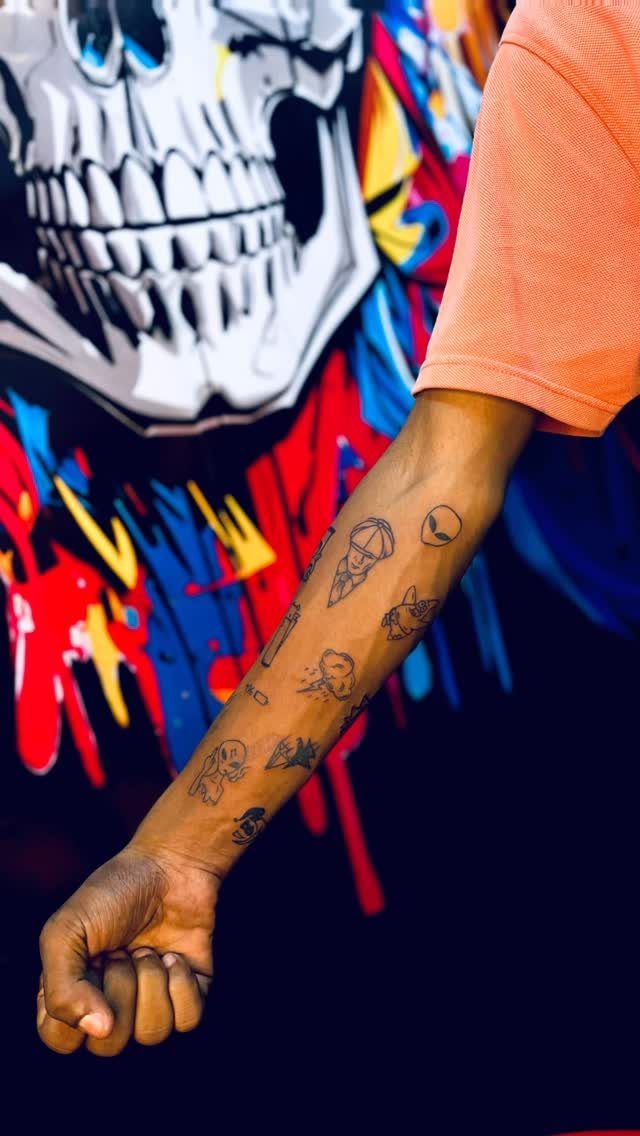
Small tattoos give you room to stack ideas instead of committing one large piece to a single spot. The designs here stay simple: fine lines, no shading, each one readable at arm’s length.
Most AI tools let you describe a shape and get a clean outline in under a minute.
Keep the detail low and the concept strong. A crescent, a single branch, a geometric animal head.
These work on the wrist, behind the ear, along the collarbone. You can add one every few months without running out of skin.
2. Wolf Howling at Moon Tattoo
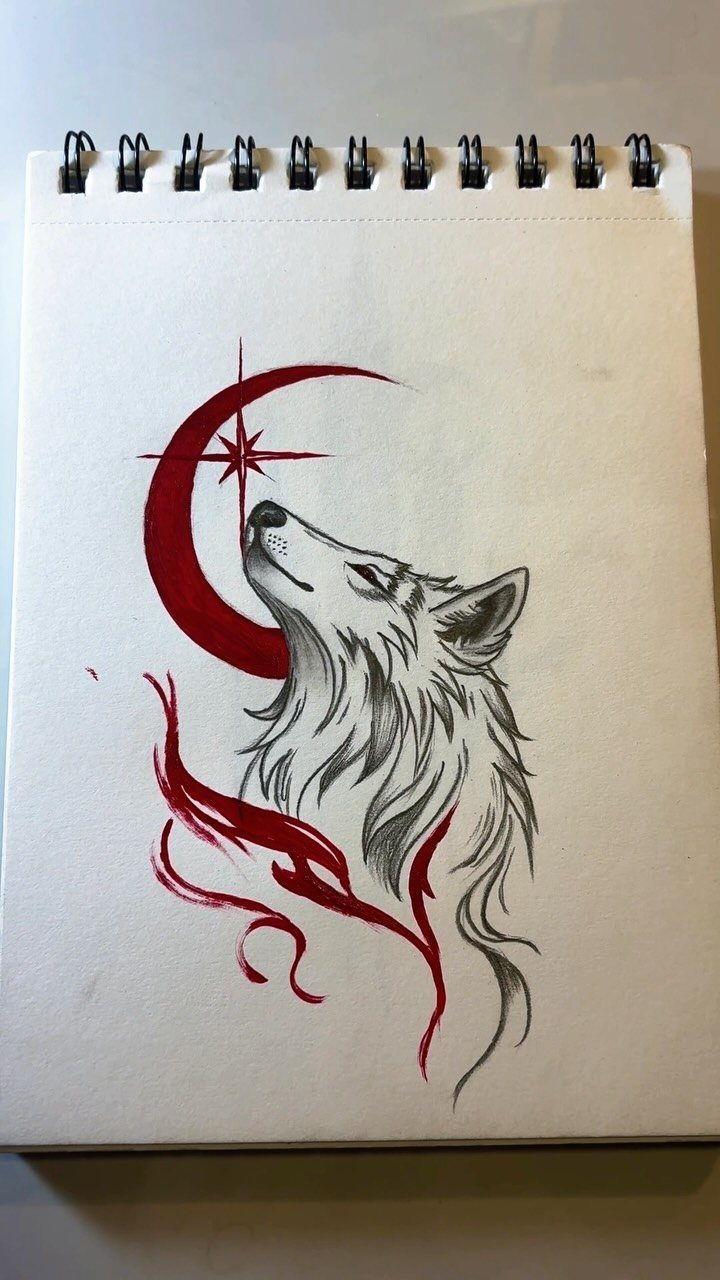
A wolf and moon pair reads clearly from any angle, which matters when the design sits on a shoulder or calf. The red crescent and star here lift it past the usual grey-on-grey wildlife piece.
Generate the wolf in profile, head tilted up.
Add the moon behind it, then pick one accent color for the sky or the moon itself. Deep blue holds up well, though most color needs touch-ups over time.
Print the design at actual size before you book the session. A wolf on the upper arm needs enough room for fur detail to stay readable.
3. Cracked Stone Face with Snakes
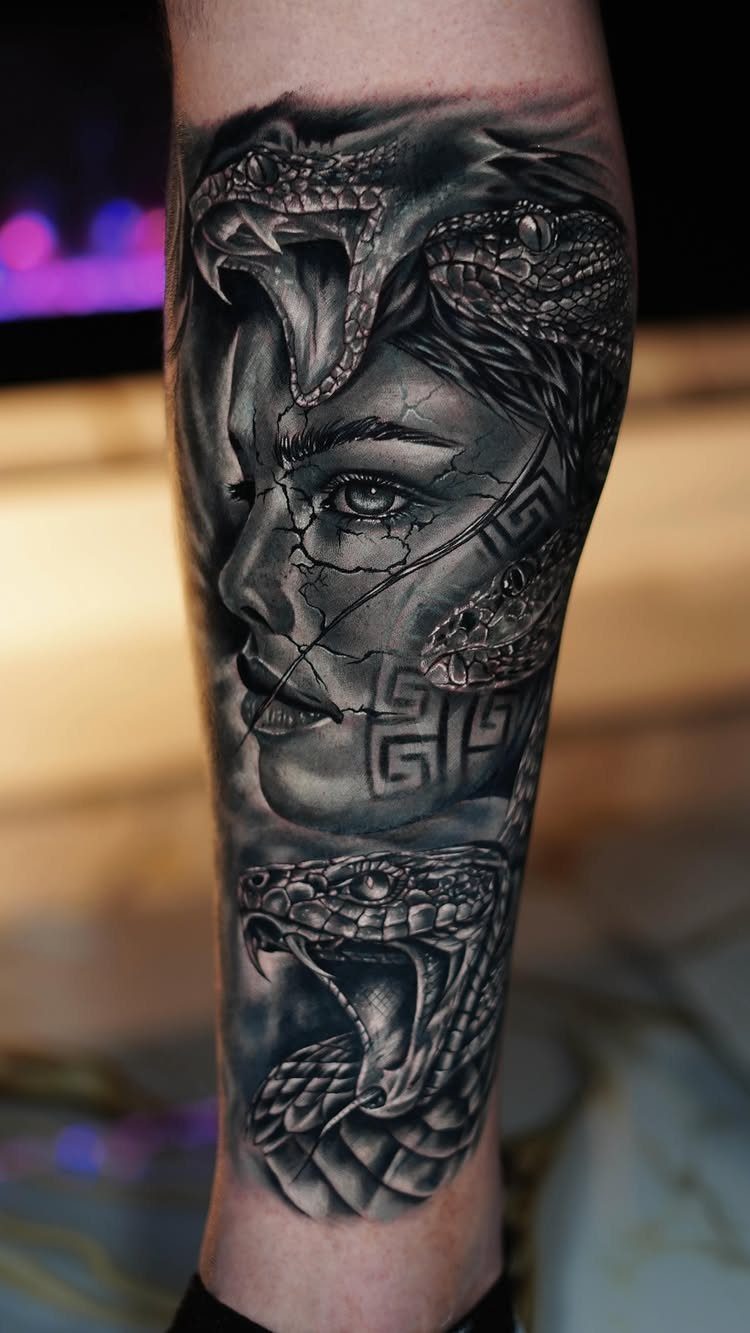
Realism demands high contrast, and a cracked stone face gives you both texture and shadow without color. The snakes add movement to an otherwise still image.
Ask the AI for a statue face, then layer cracks across the cheeks and forehead.
Position the snakes so they weave through the breaks. Black and grey realism takes longer the larger you go, and sharp scales mean sitting longer.
This works on a forearm or outer thigh where the artist has a flat canvas. Curved placements blur the cracks.
4. Skull and Red Rose
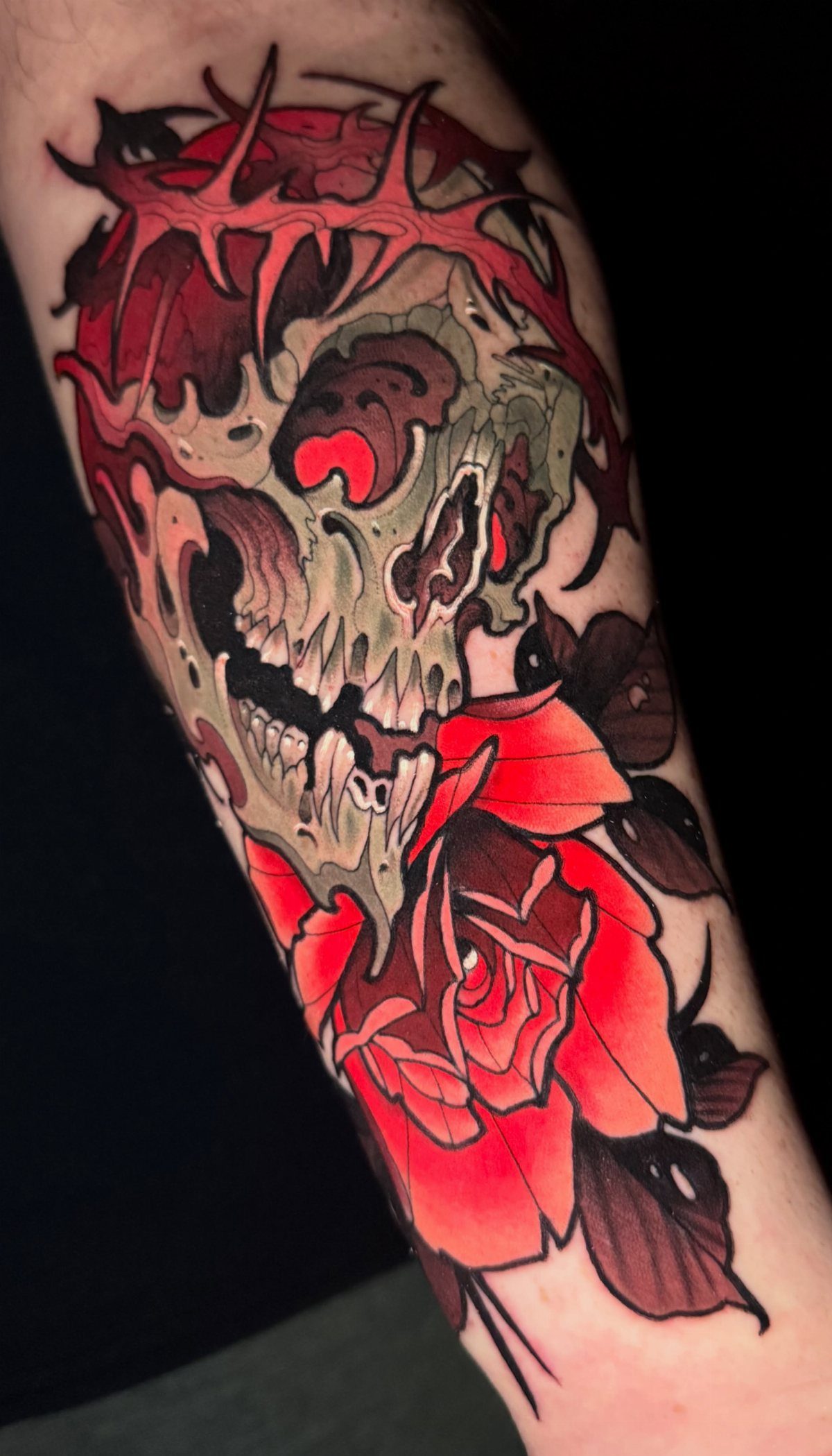
Skull and rose is a classic for a reason: the grey skull anchors the piece, the red rose gives it life. Thorny vines tie the two together and fill the space between.
Generate the skull first, then wrap the vines around it.
Place the rose at the bottom or to one side. A single red keeps the focus tight; more color splits attention.
Forearm placement shows the design in full whenever you want. Red ink can fade faster than black, so plan a touch-up if the rose loses punch.
5. Masked Figure with Playing Card
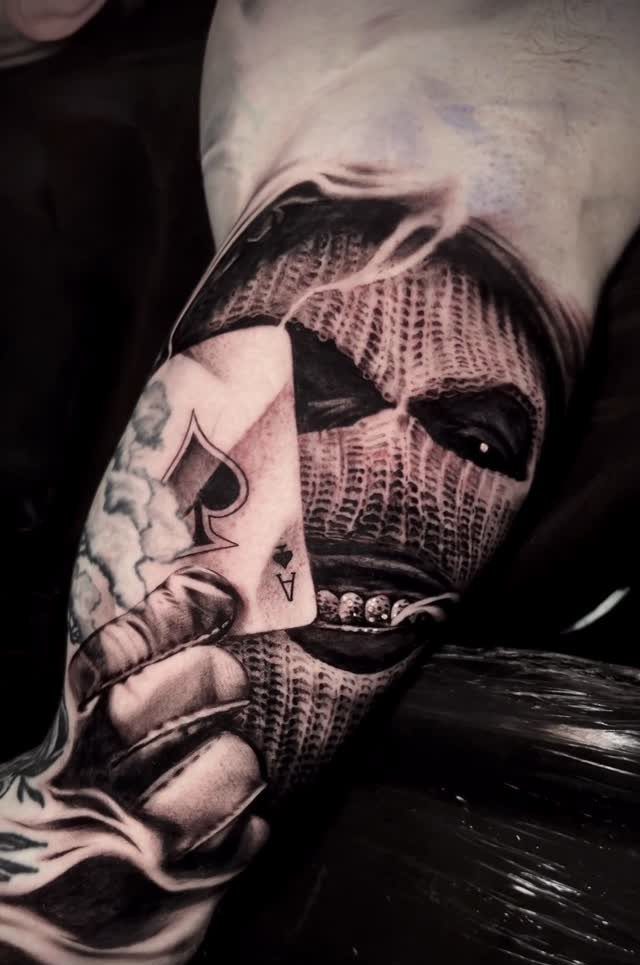
A masked figure holding a card brings mystery without needing a backstory. The balaclava hides identity, the ace of spades signals risk or luck depending on how you frame it.
Generate a close-up portrait, face covered, one hand holding the card toward the viewer.
Black and grey realism keeps the focus on expression in the eyes and the card detail. The ace of spades is the most recognized card, so it reads fast.
This fits an upper arm or outer forearm. Size it tall enough so the card suit stays legible.
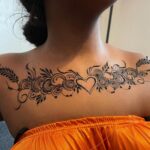
6. Gothic Filigree Leg Tattoo
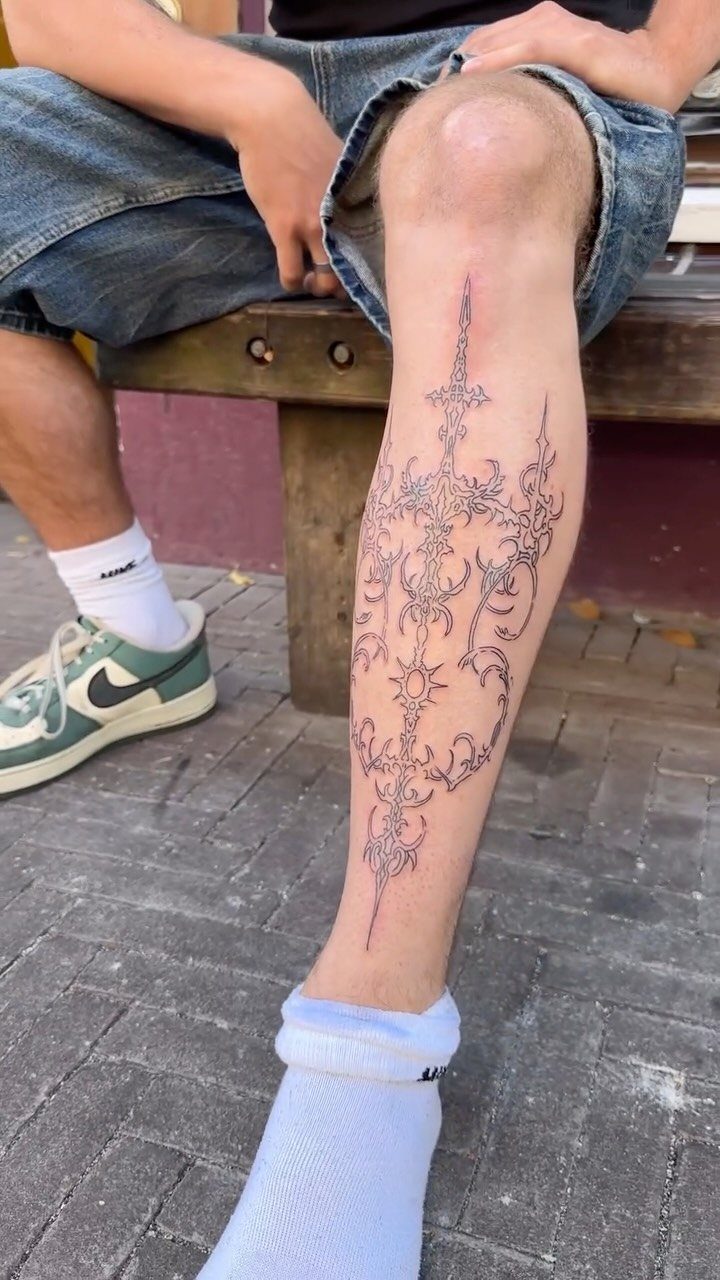
Filigree flows with the leg, so symmetry matters more here than on a flat spot like the back.
Generate a symmetrical pattern first, then stretch it vertically to match your leg length.
Gothic filigree uses repeating curves and pointed edges. Black ink only, no shading, so the linework has to be tight.
Shin tattoos hurt more than most placements because the bone sits right under the skin. Wear loose pants for the first week while it heals.
7. Black and Grey Floral Sleeve
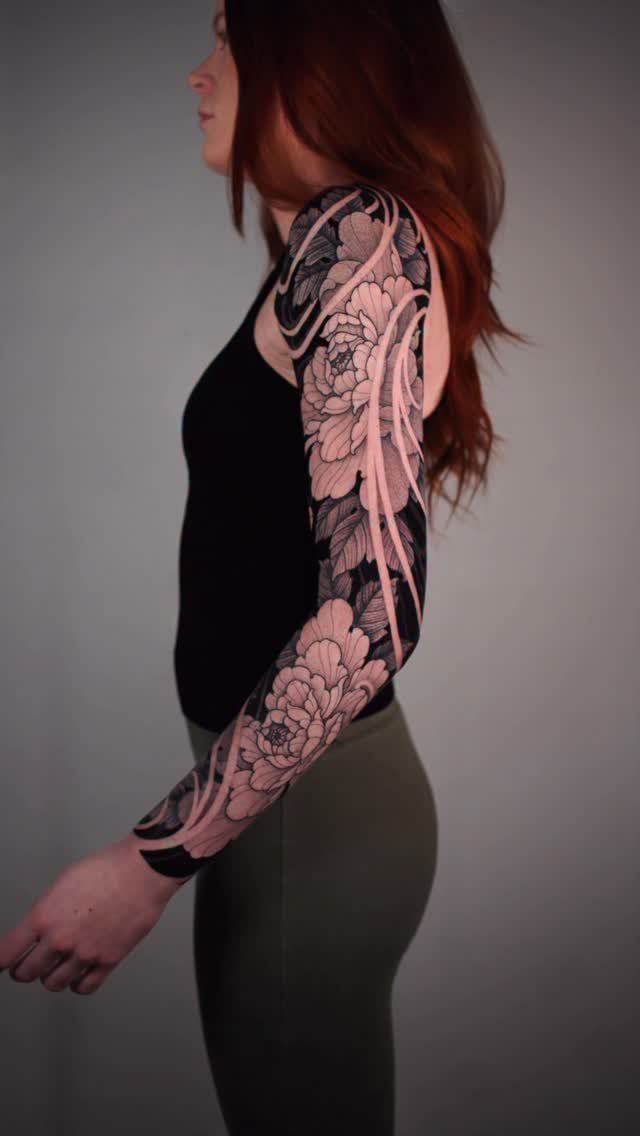
A floral sleeve fills the arm from shoulder to wrist with overlapping blooms, leaves and stems, all in black and grey.
No color means the shading does the work, so contrast matters more than it would with a few bright petals.
Generate each flower separately, then arrange them so the largest ones anchor the shoulder and inner elbow.
Smaller fillers go between. Roses, peonies and chrysanthemums all hold detail at arm scale.
A full sleeve takes multiple sessions. Book the upper arm first, then add the forearm once the top half heals.
8. Blackwork Seahorse Tattoo
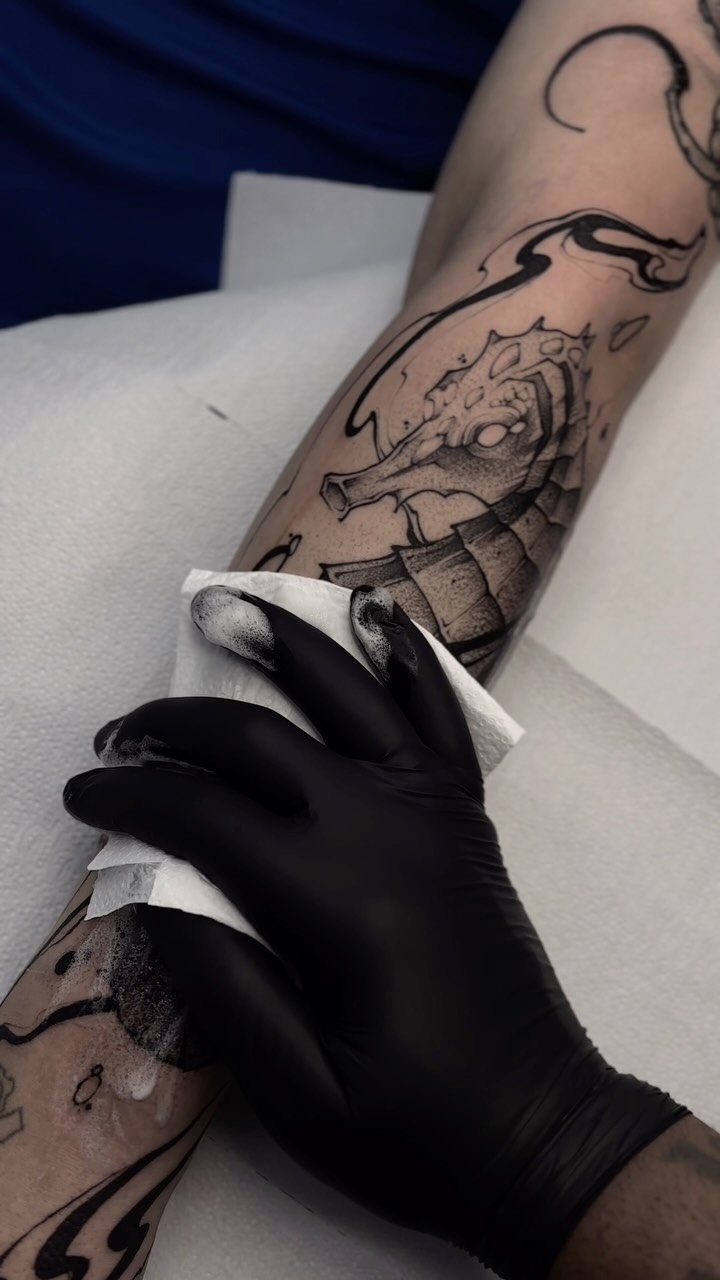
Solid black seahorse tattoos skip shading and fill the shape completely, so the silhouette has to read clearly on its own. The curve of a seahorse fits a forearm or outer calf without stretching the proportions.
Ask the AI for a side view, tail curled.
Blackwork looks sharp when fresh but can spread slightly over years, so keep fine details like ridges to a minimum. The larger you go, the longer the ink holds its edge.
Forearm placement heals faster than most spots because the skin stays flat and you can keep it covered easily.
9. Full Custom Tattoo Design
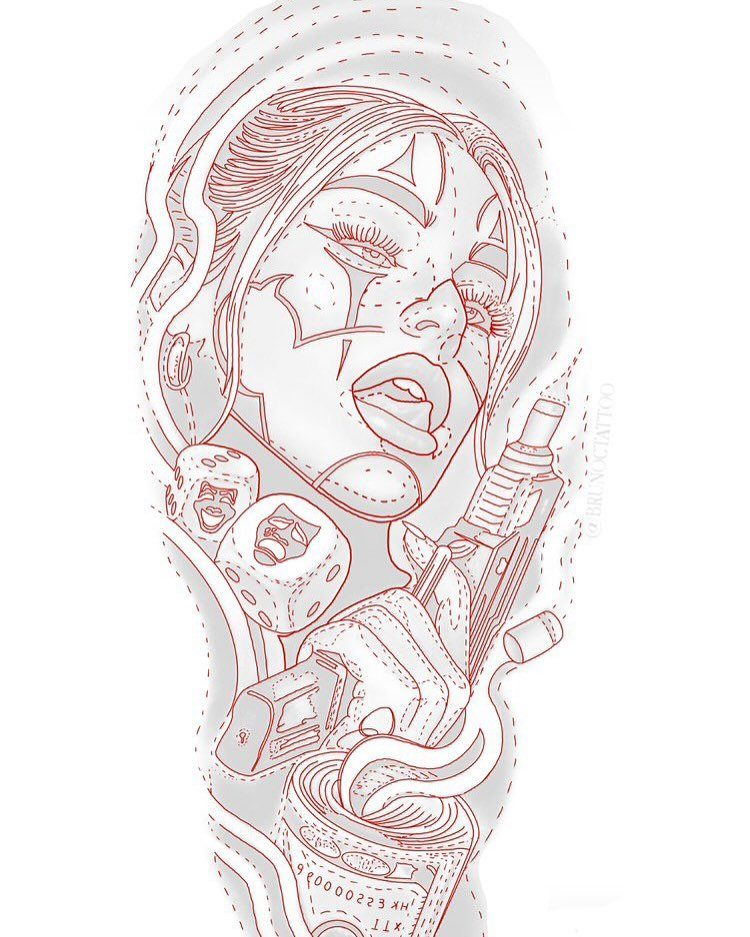
Custom designs let you combine elements that matter to you instead of picking a flash sheet image someone else already has.
Feed the AI a list of what you want in the piece: objects, symbols, a specific style, even a color scheme.
Generate a few versions, then take the best one to an artist who can refine the lines and adjust placement for your body.
AI output usually needs tweaking before it transfers to a stencil, so treat it as a starting point, not the final.
Print it at actual size and hold it against the spot you want. Scale looks different on skin than on a screen.
How to Use AI Tattoo Generators
Most AI tattoo generators work the same way: you type a description of what you want, pick a style from a dropdown menu, and hit generate. The tool returns multiple versions in seconds.
Styles usually include traditional, realism, minimalist, dotwork, and Japanese. Each one changes how the AI interprets your prompt, so try a few if the first batch misses.
Refine by adjusting your description or running it again with a tighter prompt. The output is a starting point.
Commercial Use of Designs
Generated designs are yours to use, whether you’re getting inked or applying the design somewhere else. If you’re keeping it for yourself, you can print the design, save it to your phone, or hand it straight to your artist.
Commercial use, like logos or merchandise, may require licensing depending on the platform.
Some generators grant full commercial rights upfront, while others ask you to reach out for permission if you plan to sell the design or use it in a business project.
If you upload reference images alongside your prompt, make sure you have the rights to those as well.
Safety and Age Appropriateness
AI tattoo generators are open to all ages, but if a child is using one, an adult should supervise the prompts to keep the input appropriate. The tools themselves filter content, but what you type in shapes what comes out.
Frequently Asked Questions
How can I design my own tattoo for free?
Most AI tattoo generators let you create designs for free by describing your idea in text.
You get your first concept without a card, and the design saves to your account. The process takes under a minute from prompt to output.
Can ChatGPT generate tattoos?
ChatGPT can describe tattoo ideas and suggest elements, but it does not output images. You need a dedicated AI tattoo generator to turn text into a visual design you can print or show an artist.
Is there an app that can design tattoos?
Yes, several apps and web-based tools generate tattoo designs from text prompts. You type in what you want, pick from styles like traditional or watercolor, and save the file to show your artist.