Free designs range from high-resolution files ready to scale to AI generators that build custom pieces in seconds, and tracing templates help turn reference photos into line art your artist can finish.
Pick high-resolution files when your artist will scale the design, because compressed images lose line detail the moment they transfer to a stencil.
1. Tattoo on Body
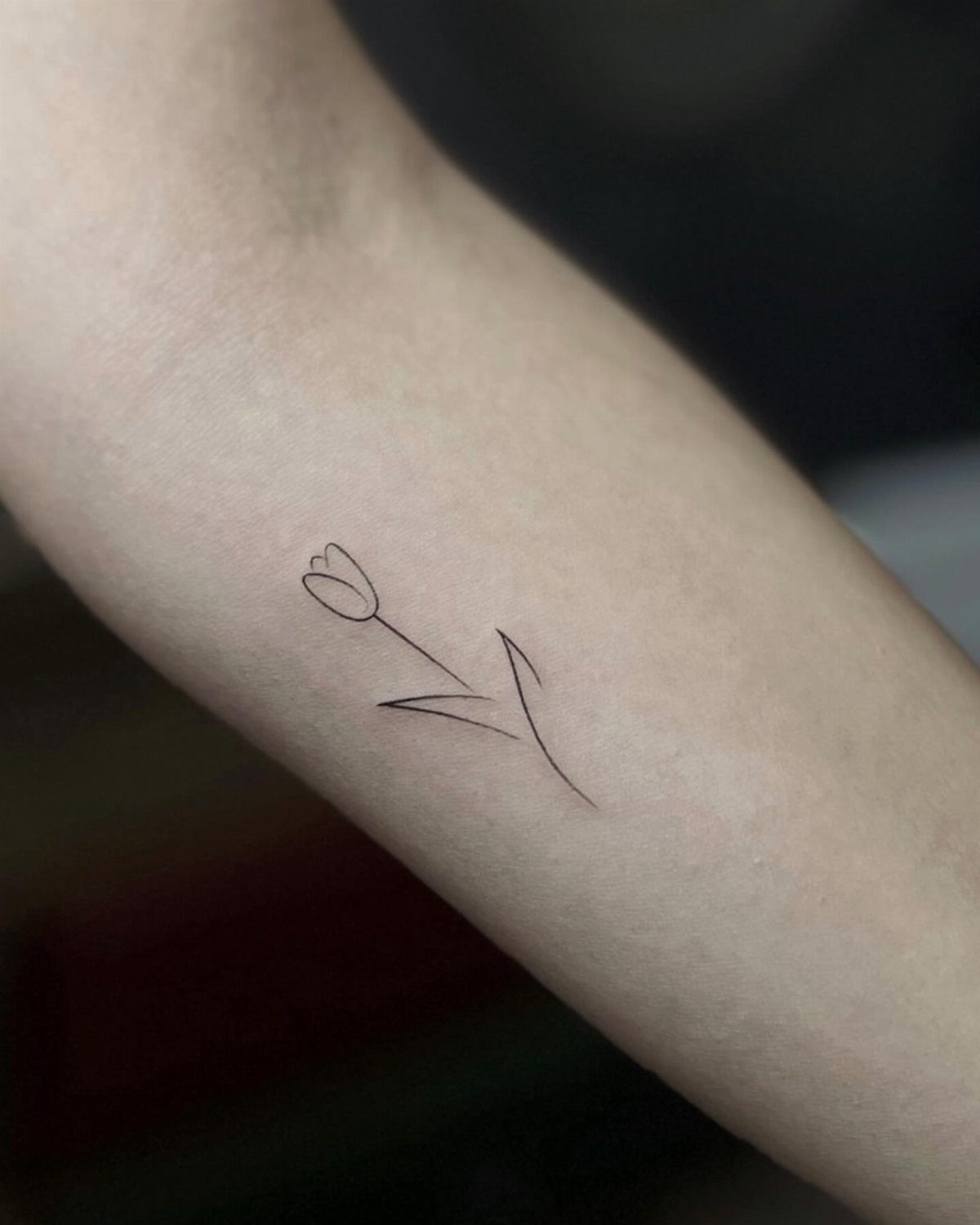
This shows what a design actually looks like placed on skin, not just on paper. The tulip sits on the forearm where muscle and bone shape how the lines read, and you can see the scale against real anatomy.
Most apps let you upload a design and position it on a photo of yourself, so you spot sizing problems before the appointment.
A piece that looked balanced on a sketch might run too tall or sit oddly once you see it on the actual curve of your arm.
2. Watercolor Tattoo
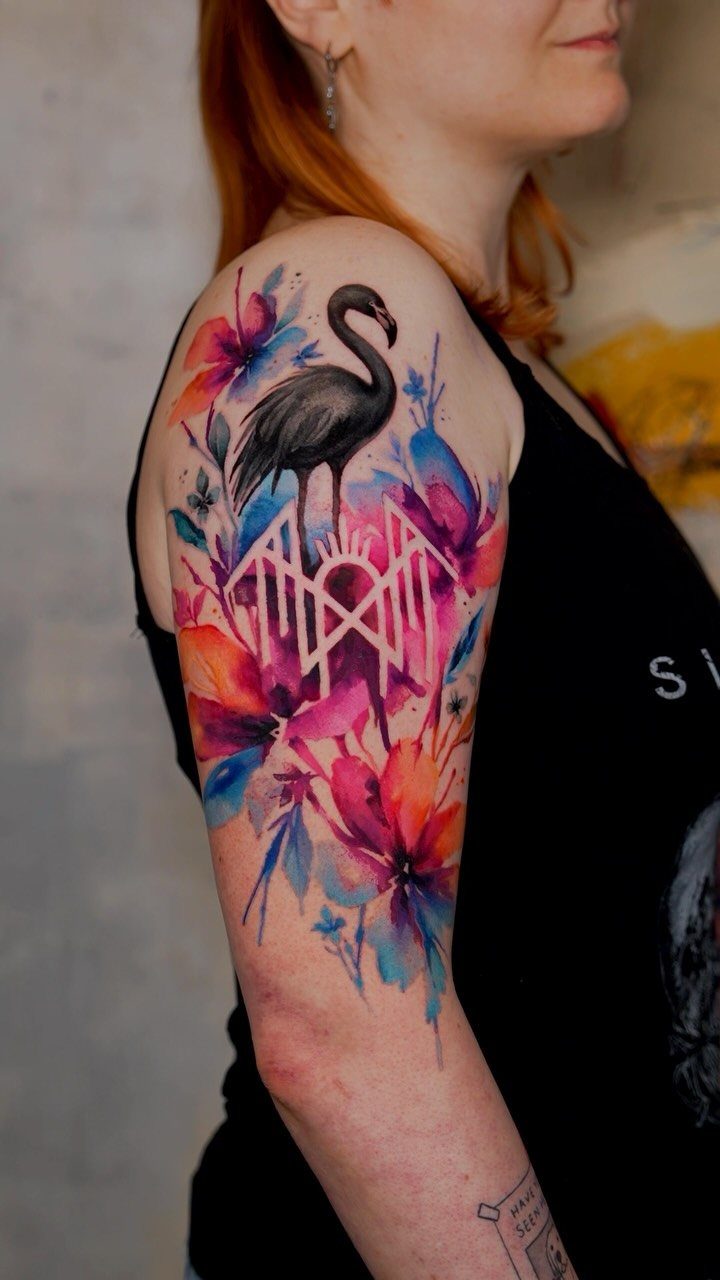
Watercolor tattoos use diluted ink and soft edges to mimic brushstrokes, and the technique shows best on larger pieces where the color has room to bleed and blend.
A black outline anchors the design so the softer watercolor washes around it stay readable as the ink ages.
The style needs an artist who works wet and fast, layering transparent passes the way paint moves on canvas.
Expect to pay more per hour since the shading takes longer than solid color, and plan for a touchup when the lightest tones start to fade.
3. Tattoo Design
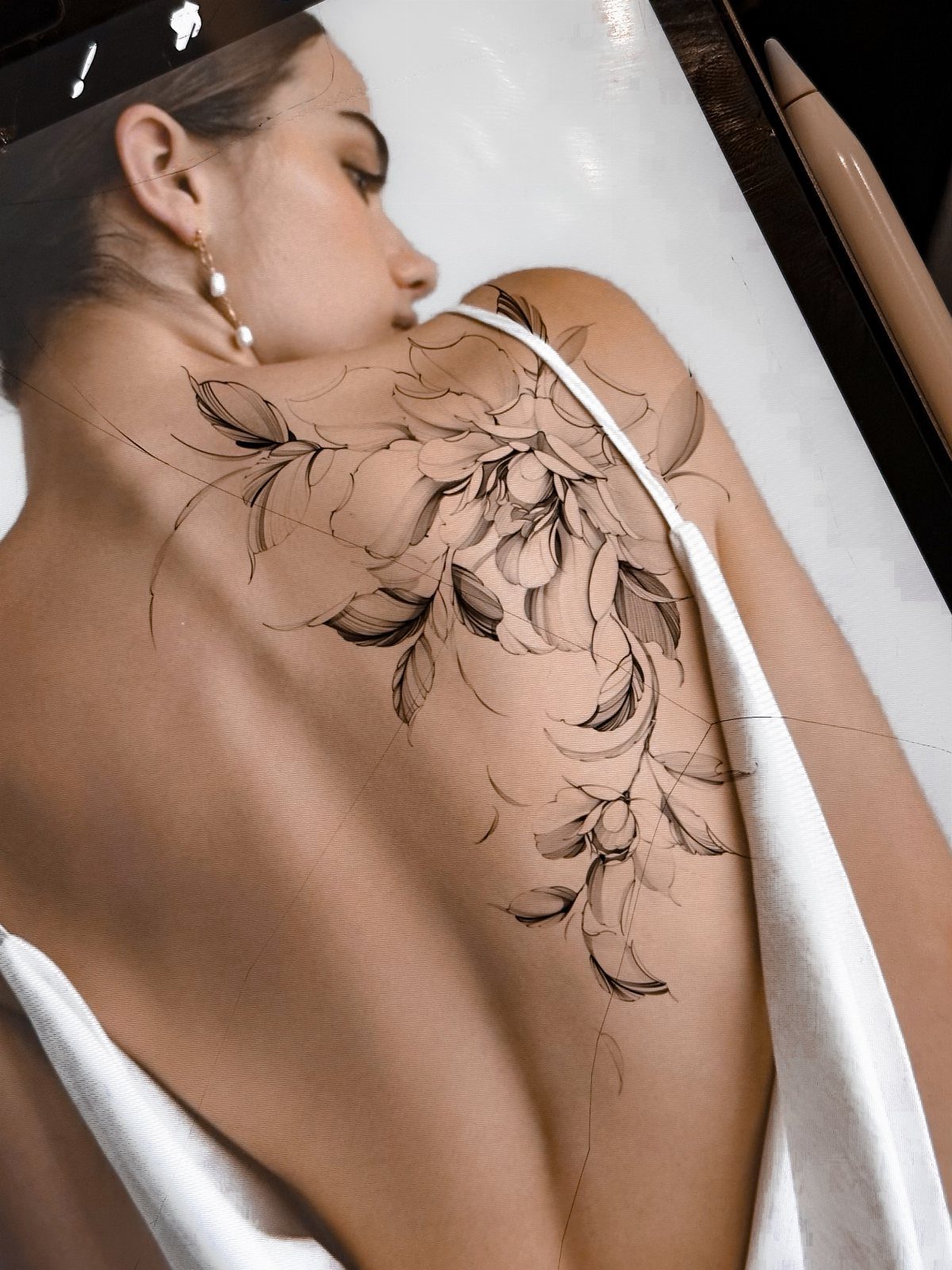
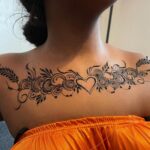
A floral design like this one wraps the shoulder blade and follows the natural curve of the back, keeping every petal and stem readable from the side. Black ink holds detail longer than color and reads clearly at any size.
When you pick a design, bring reference images that show the exact flowers you want and how they connect. Your artist will redraw it to fit your body, adjusting stem angles and leaf placement so nothing distorts when you move.
4. Tattoo on Photo
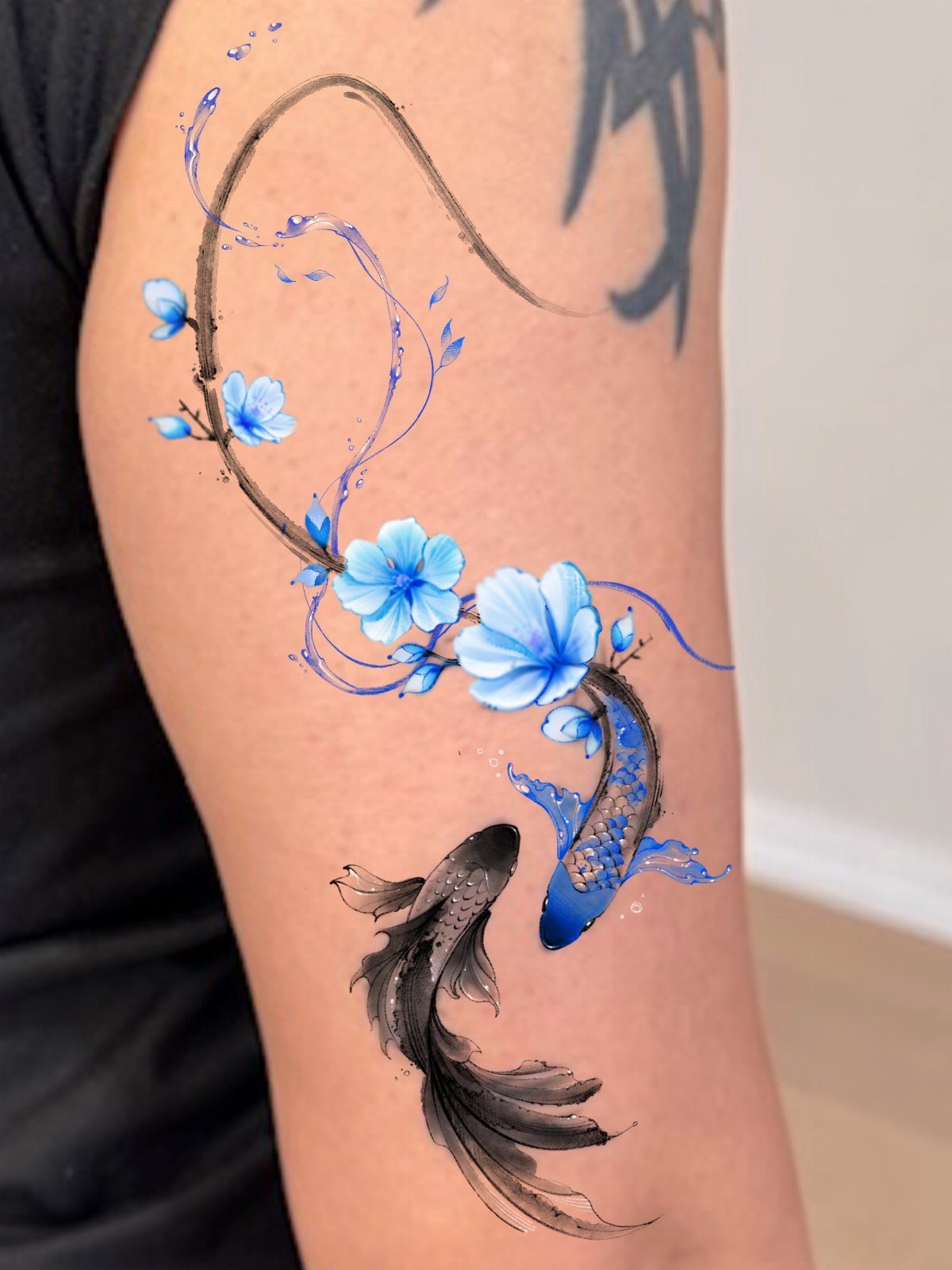
Apps let you layer a tattoo design over a photo of your own skin, then adjust size, angle and placement until it sits where you want it.
Layering the design digitally on a photo of your arm or leg shows you whether the composition works with the natural contours before the needle touches skin.
This approach catches proportion issues early. A design that felt right on a flat screen might look cramped or off-center once you map it onto a curved surface, and fixing that in the app costs nothing.
5. High-Resolution Tattoo Design
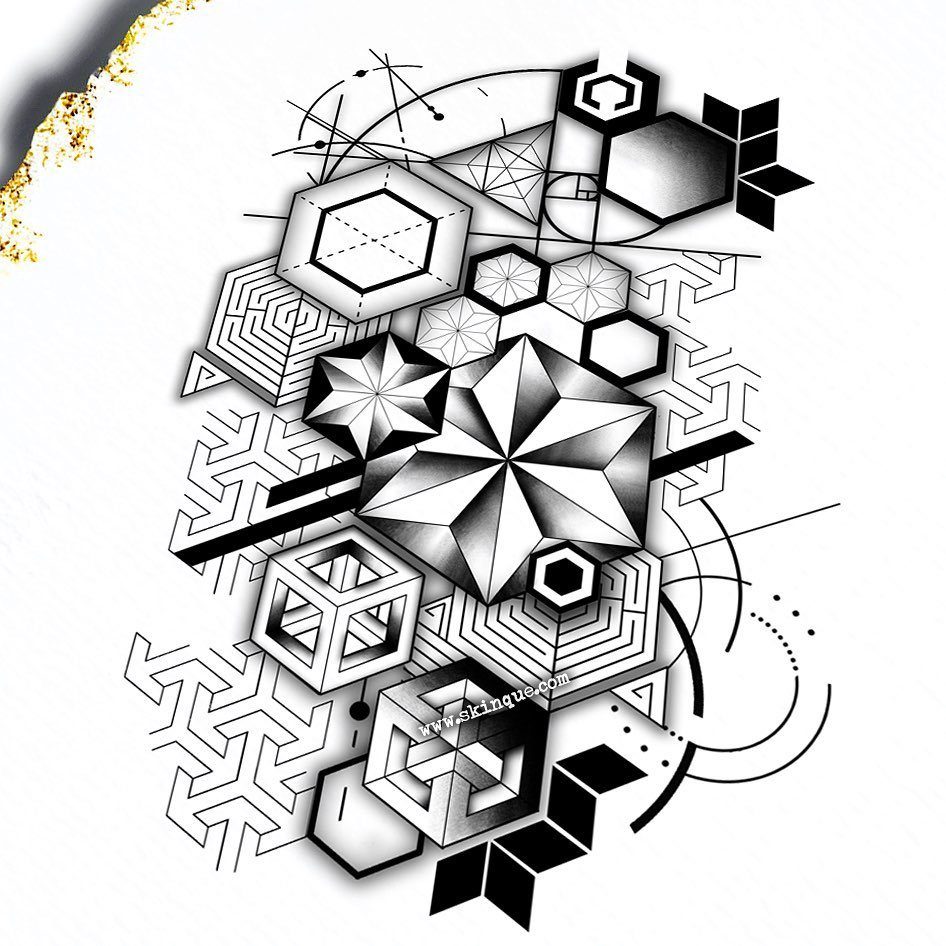
High-resolution files hold crisp lines at any size, so your artist can print the stencil without losing detail in the hexagons or the shading inside each cube.
Download at high resolution so every edge stays sharp when the stencil is transferred to skin.
Free design sites often compress images, so check the file before you send it. A blurry stencil forces your artist to guess at line weight and spacing, and that shows in the finished tattoo.
6. Neoclassical Cherub Flash Drawing
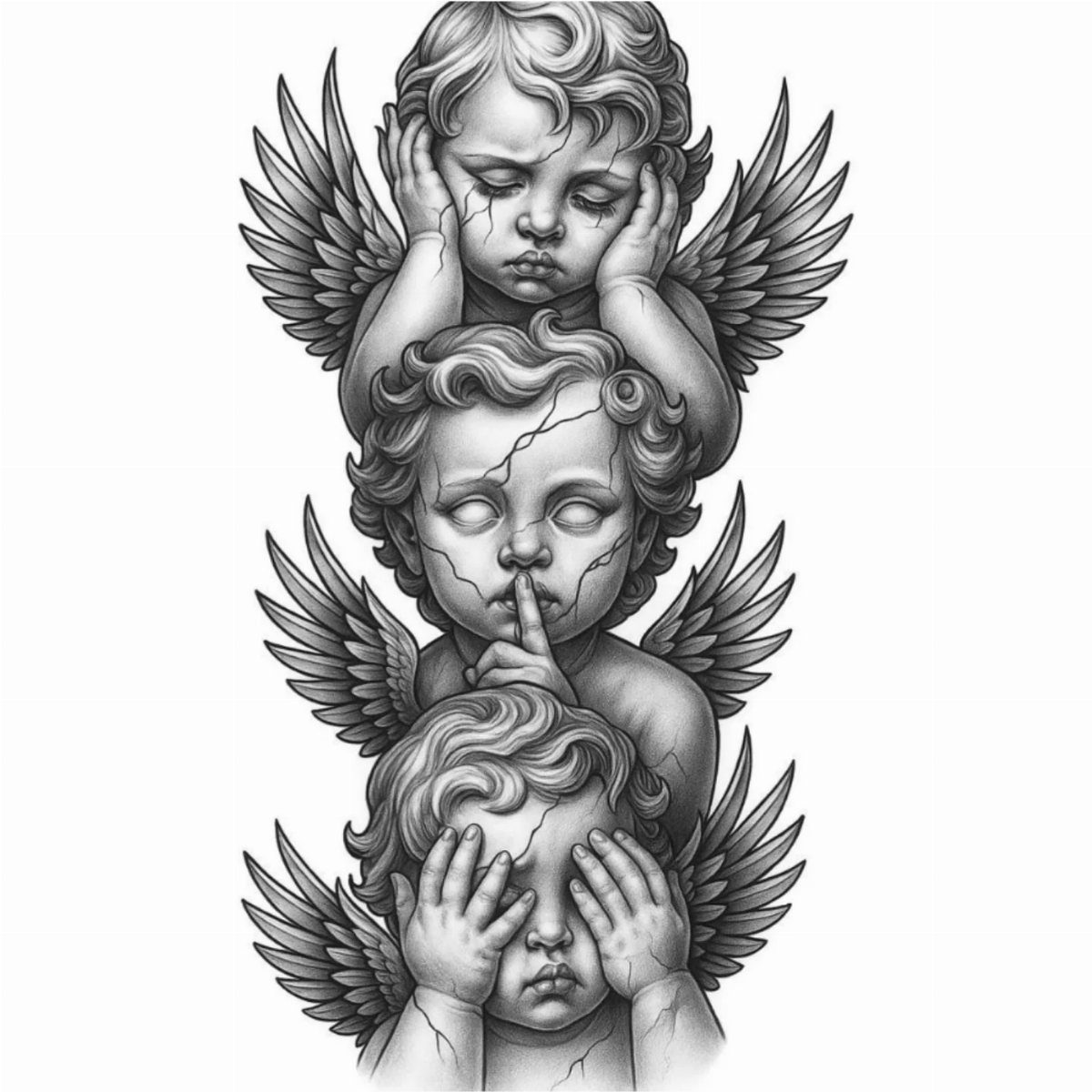
The 3 cherubs stack vertically with hands over ears, mouth and eyes, a variation on the see-no-evil theme drawn in grayscale shading that holds fine detail.
Neoclassical flash uses soft modeling and tight line work, so it prints well as a stencil and reads clearly on skin.
This style suits placements where you want vertical flow, like the forearm or calf. Download the file at full resolution so your artist can scale it to fit your spot without losing the subtle gradients in the wings and faces.
7. Free Flash Sheet Designs
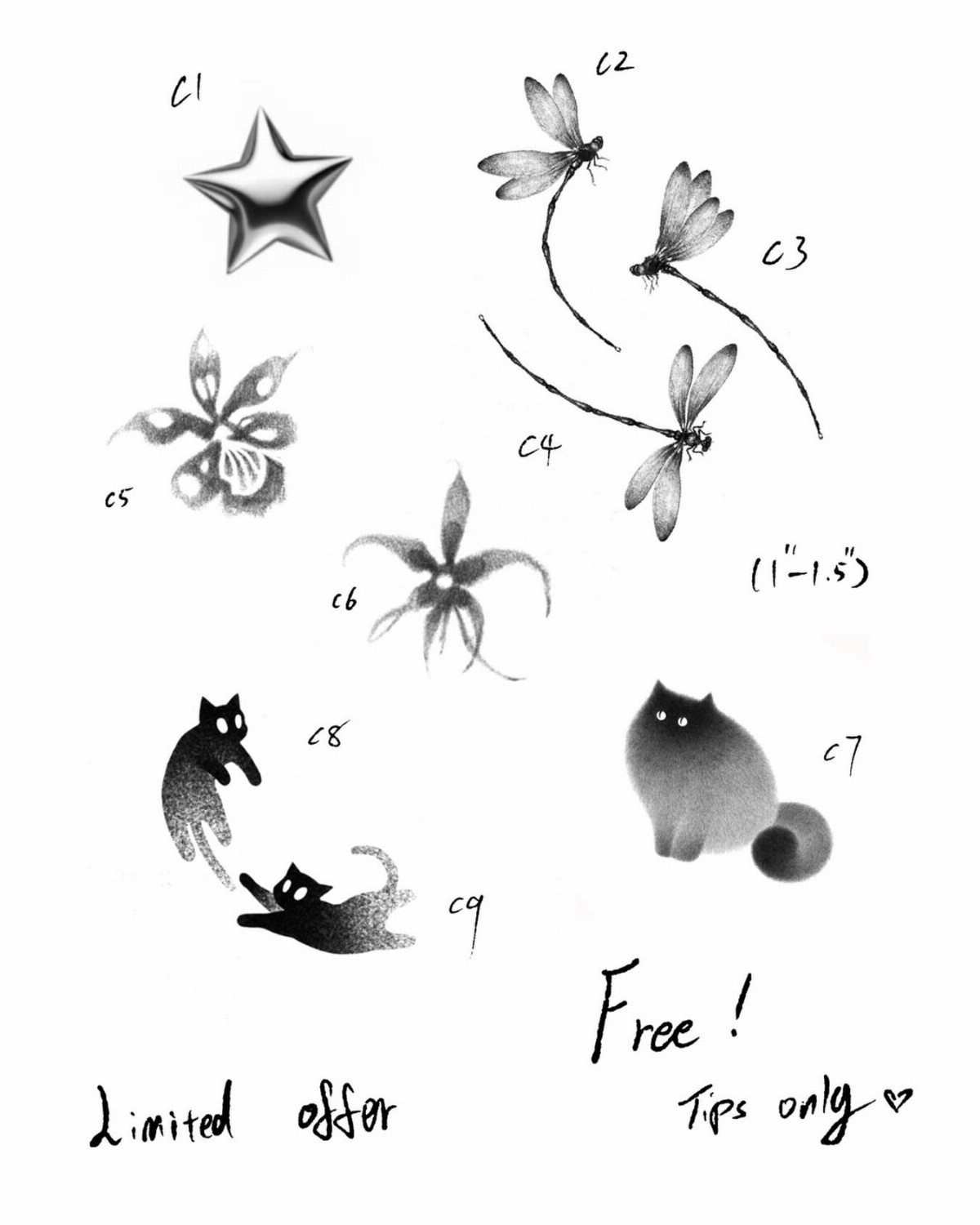
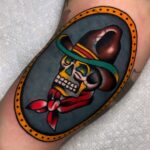
Flash sheets let tattoo shops offer small designs at a fixed price, usually during shop events or slow days. The sheet shows each design at the size it will be tattooed, so what you see is what you get.
Shops post flash sheets on Instagram a few days before the event, and slots fill fast. Arrive early or call ahead to claim the design you want, because once someone gets it that day, it comes off the list.
8. Hand-Drawn Script Template
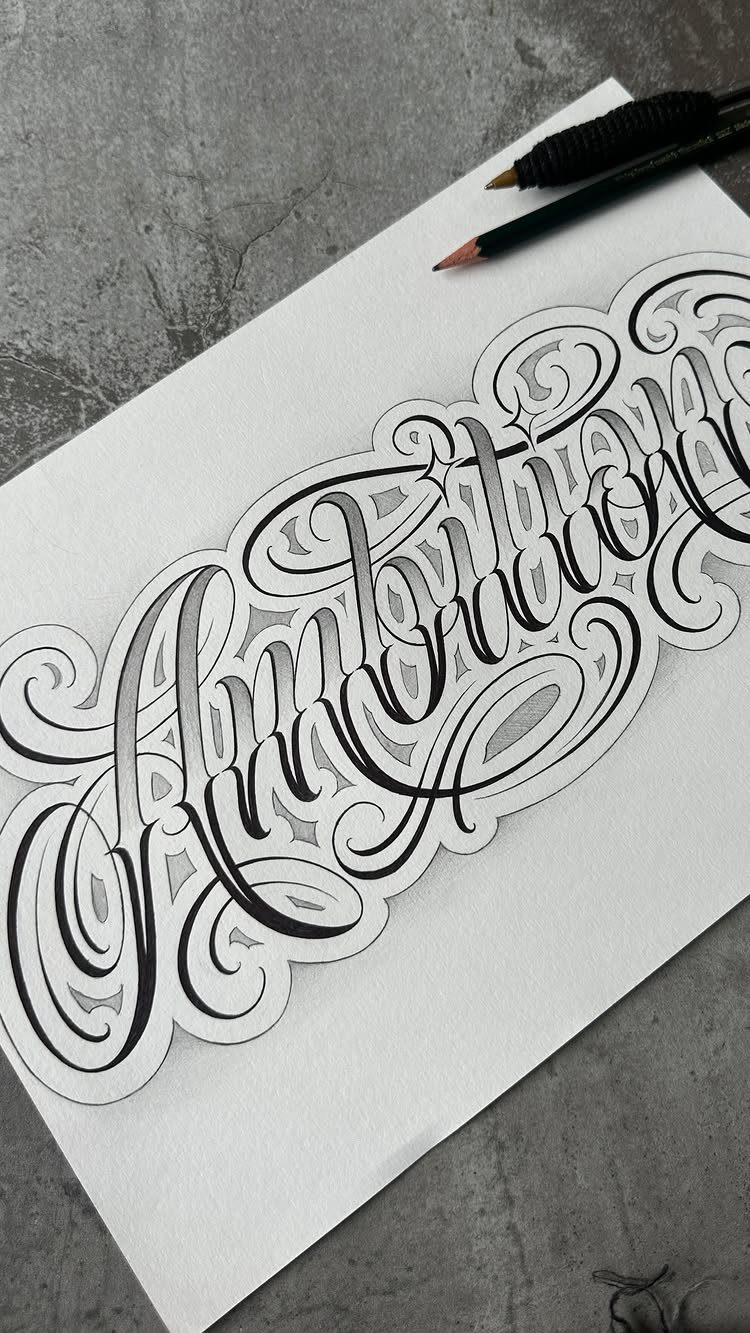
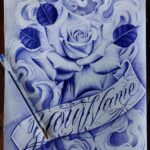
Script lettering benefits from hand-drawn layout because you control letter height, slant and how the capitals connect to the lowercase.
Drawing it out on paper first shows you whether the spacing feels balanced before your artist redraws it as a stencil.
Bring your sketch to the consultation and expect your artist to tighten the lines and adjust the stroke weight so it reads on skin.
Ornate letterforms lose clarity at small sizes, so script tattoos work best at 2 inches tall or larger.
9. Tracing Photos for Tattoo Art
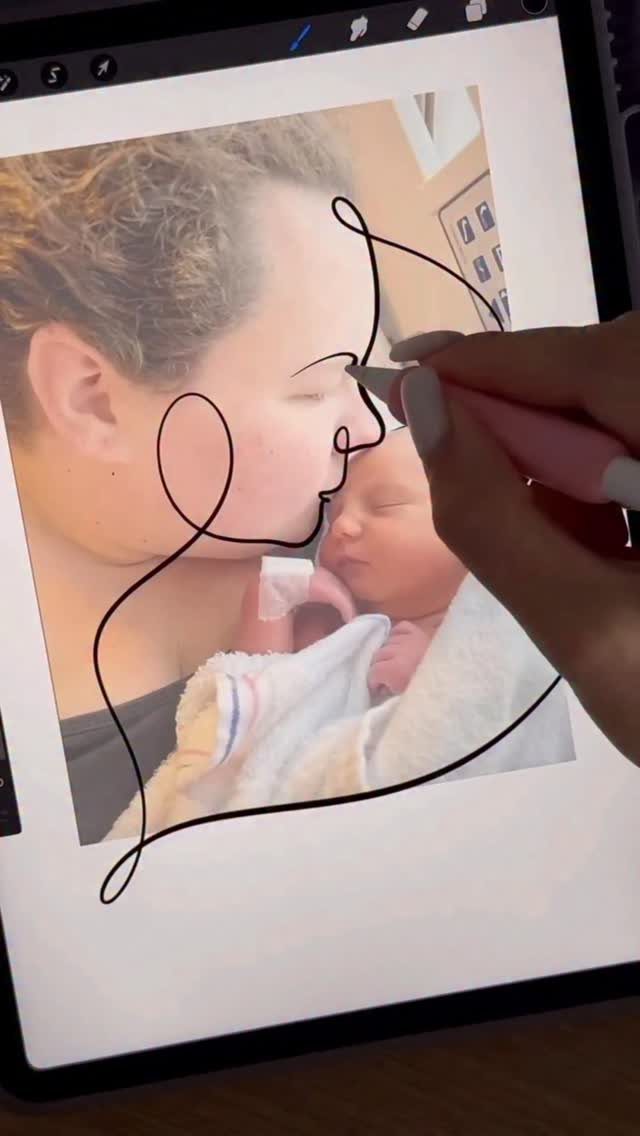
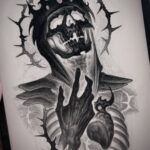
Tracing a photo into a line drawing simplifies detail so the tattoo reads as recognizable faces and gestures instead of a blurry attempt at realism. The tablet lets you adjust line weight and erase sections that clutter the composition.
Most tattoo artists can do this for you during the design phase, but if you want to try it yourself, apps with drawing layers and stylus support make tracing from a reference photo straightforward.
Send the finished line drawing to your artist as a starting point, and expect them to refine it for skin.
How to Use AI Tattoo Generators
AI tattoo generators let you type a description of what you want and pick a style, then produce a design file in seconds. You do not need to sketch or use design software.
The process starts with a text prompt.
Describe the subject and placement, then pick a style. The tool renders a design based on that input.
Most platforms let you generate multiple versions from the same prompt, so you can compare compositions before you settle on one. Once you have a file you like, download it at high resolution and bring it to your tattoo consultation.
These tools work best when you already have a clear idea. Vague prompts produce generic results, so the more specific you are about elements and arrangement, the closer the output will match what you picture.
Refining Designs with Artists
AI-generated designs are starting points, not finished stencils. Bring the file to a tattoo artist and expect them to redraw it so the composition fits your body and the lines hold up over time.
Artists adjust line weight, simplify detail that would blur, and reposition elements so the design reads clearly on the curve of skin.
What works as a flat image often needs reworking for anatomy, and your artist knows which parts will age badly.
Some platforms let you remix a design by changing style, swapping elements or adjusting details through additional prompts. Use that feature to narrow the options before your consultation, but leave final refinement to the person who will tattoo it.
A professional can also spot technical problems in an AI file, like lines too close together or shading that will not transfer cleanly to a stencil.
Commercial Use of Designs
Generated tattoo designs can be used for personal or commercial purposes without licensing restrictions. Most platforms let you use a generated design commercially once you create it.
The one limit is external images.
If you uploaded a photo or artwork as part of your prompt, you need the rights to that source material. The AI output itself carries no restriction, but anything you fed into the generator still follows its original copyright.
This applies whether you are getting the tattoo yourself, offering custom designs as a service, or selling flash sheets. The platform does not claim ownership of what you generate.